Modjo
Last updated: October 6, 2026
Connect Modjo to automatically import and score your real sales calls in Hyperbound.
Note: Modjo must be enabled in your Workspace. If you don't see it, reach out to your SE team.
Before you start: set up Real Call Scoring (call routing and privacy).
1. Get your Modjo API key
You need Admin or Manager permissions in Modjo.
In Modjo, go to Settings > Integrations.
Find Modjo API and click Connect.
Create a new key and click Copy.
Helpful Link: Modjo API Docs
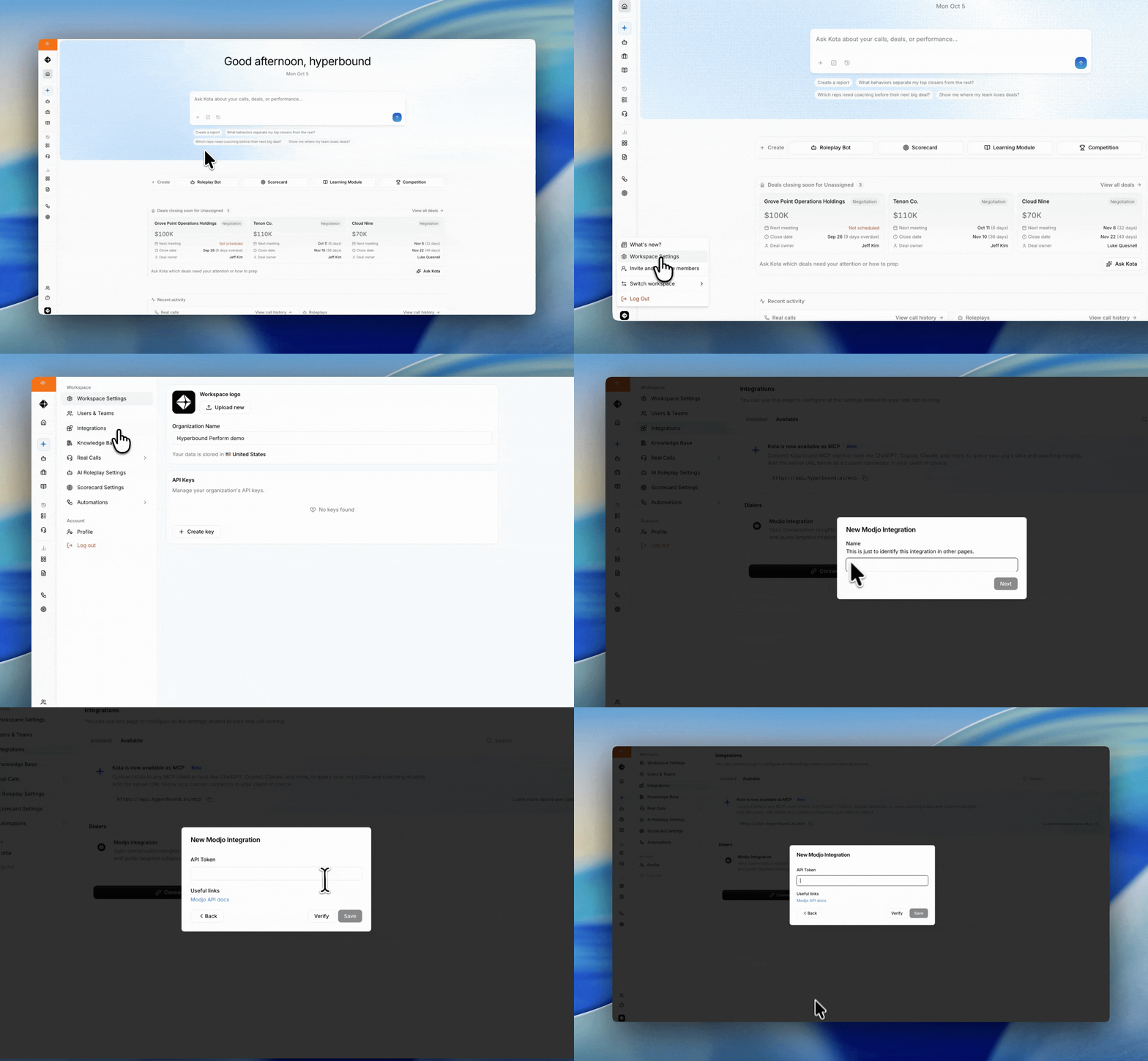
2. Connect it in Hyperbound
Go to Workspace Settings > Integrations.
In the Available tab, find Modjo and click Connect.
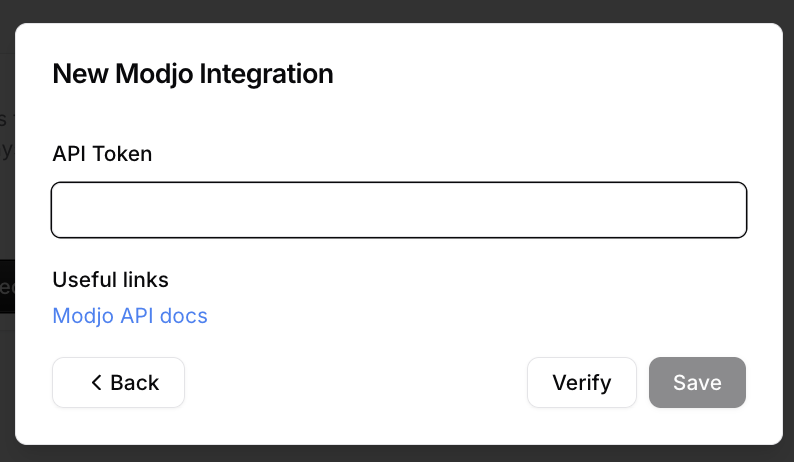
Name the integration and paste your API key.
Click Save.
From the Integrations page you can Pause, Resume, or Disconnect at any time.
Good to know
Transcripts only. Video recordings from Modjo do not display in Hyperbound.
No backfill. Only new calls import after you connect.
"Invalid API key" error? Check the key and your Modjo role, or generate a new key and reconnect.
Still need help? Contact support@hyperbound.ai