Workday Learning: Connecting Hyperbound
Last updated: August 13, 2026
Connect Hyperbound to Workday Learning and your reps can find and launch Hyperbound practice bots right from your Workday Learning. When a rep finishes a practice call, their best score is automatically sent back to Workday Learning as a course completion.
Here's what the integration does for you:
Your bots show up as courses: Hyperbound bots appear as courses in your Workday Learning catalog, and clicking one opens the bot directly.
Enrollments are tracked automatically: When Hyperbound writes back a score, it checks for an existing enrollment and creates one if needed.
Scores flow back on their own: After a practice call is scored, the learner's best score is sent to Workday Learning as a course completion. Nothing to export or upload.
What you'll need
Admin access in Hyperbound
Your Workday administrator to authorize the connection
That's it! The whole setup happens inside Hyperbound through a standard OAuth2 authorization. There's no manual API configuration on the Workday side.
How to connect
Step 1: Open the Integrations page
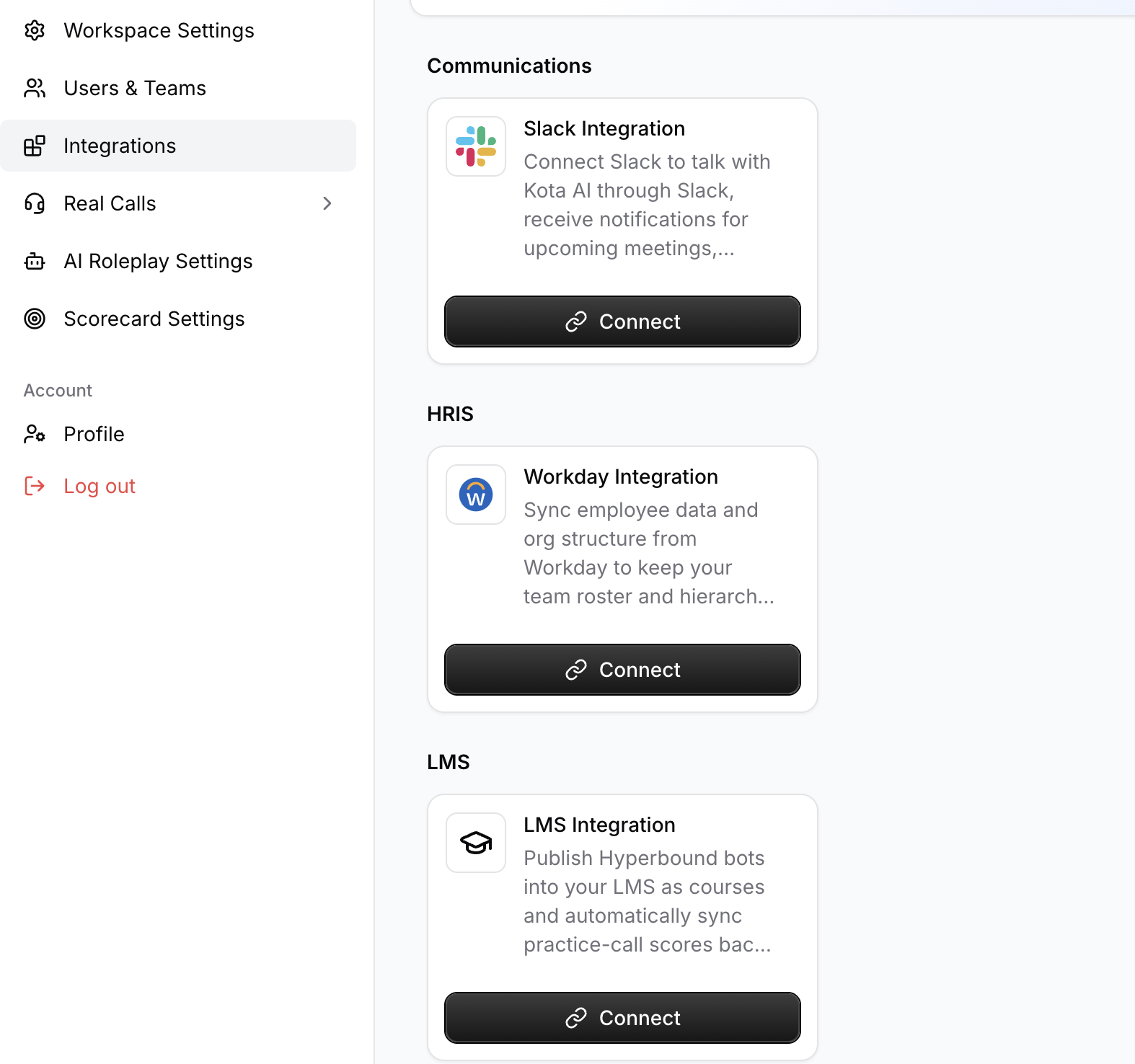
In Hyperbound, go to the Integrations page and click Connect LMS.
Step 2: Select Workday
Choose Workday from the list of providers.
Step 3: Authorize with your Workday account
Follow the on-screen steps — your Workday admin signs in and approves the connection, and you're done.
Notes
The Workday Learning integration must be enabled for your workspace. Reach out to your Hyperbound team if you don't see Workday in the provider list.
The Workday account used to authorize must already have the permissions listed below.
What data does Hyperbound access?
Hyperbound can
Writes courses (your bots) and course completions (scores) to Workday Learning.
Reads your Workday Learning catalog and enrollment records, plus a learner's first name, last name, and work email only to match them to the right Workday Learning account.
And Hyperbound does not read or write:
Payroll, compensation, or benefits data
Performance review or talent data
Personal employee data beyond first name, last name, and work email
Any HR data outside the Learning functional area
For your Workday administrator: required permissions
During the OAuth2 authorization, Hyperbound requests the following Workday domain security permissions. Please verify the authorizing account has this access before starting the connection.
Workday domain security policy | Functional area | Access level | Why it's needed |
|---|---|---|---|
Cloud Connect for Learning Service | Cloud Connect for Learning | View + Modify (Report/Task) · Get + Put (Integration) | Core permission for external LMS integrations in Workday. Required for Hyperbound to read course data and write enrollment completions. |
Set Up: External Content | Cloud Connect for Learning | View + Modify (Report/Task) · Get + Put (Integration) | Allows Hyperbound to create and deactivate external courses (bots) in Workday Learning. |
Set Up: Learning External Content Integrations | Cloud Connect for Learning | View + Modify (Report/Task) · Get + Put (Integration) | Allows Hyperbound to manage the external content integration configuration in Workday Learning. |
Reports: Learning Record | Learning | Get only (Integration) | Allows Hyperbound to read enrollment and completion records so it can check a learner's existing progress before writing a new score. |
Manage: Learning Content | Learning | Get only (Integration) | Allows Hyperbound to read the Workday Learning catalog to sync course status and retrieve active course revisions. |
Worker Data: Active and Terminated Workers | Workday System | Get only (Integration) | Allows Hyperbound to look up a learner's profile (first name, last name, work email) to match them to their Workday Learning account during score write-back. |
Worker Data: Current Staffing Information | Workday System | Get only (Integration) | Allows Hyperbound to read a worker's current employment status when resolving their learner identity. |
Workday Accounts | Workday System | Get only (Integration) | Allows Hyperbound to read the Workday account username when matching a learner's account. |
Summary by access level
Read and Write
Required for publishing courses and writing back scores:
Cloud Connect for Learning Service
Set Up: External Content
Set Up: Learning External Content Integrations
Read only
Required for looking up learners and course state:
Reports: Learning Record
Manage: Learning Content
Worker Data: Active and Terminated Workers
Worker Data: Current Staffing Information
Workday Accounts
If you have any questions or need help with the setup, feel free to reach out to the Hyperbound team via the chat button, or email us at help@hyperbound.ai.